Upper Oakville Chiropractic: a clinic's digital front door
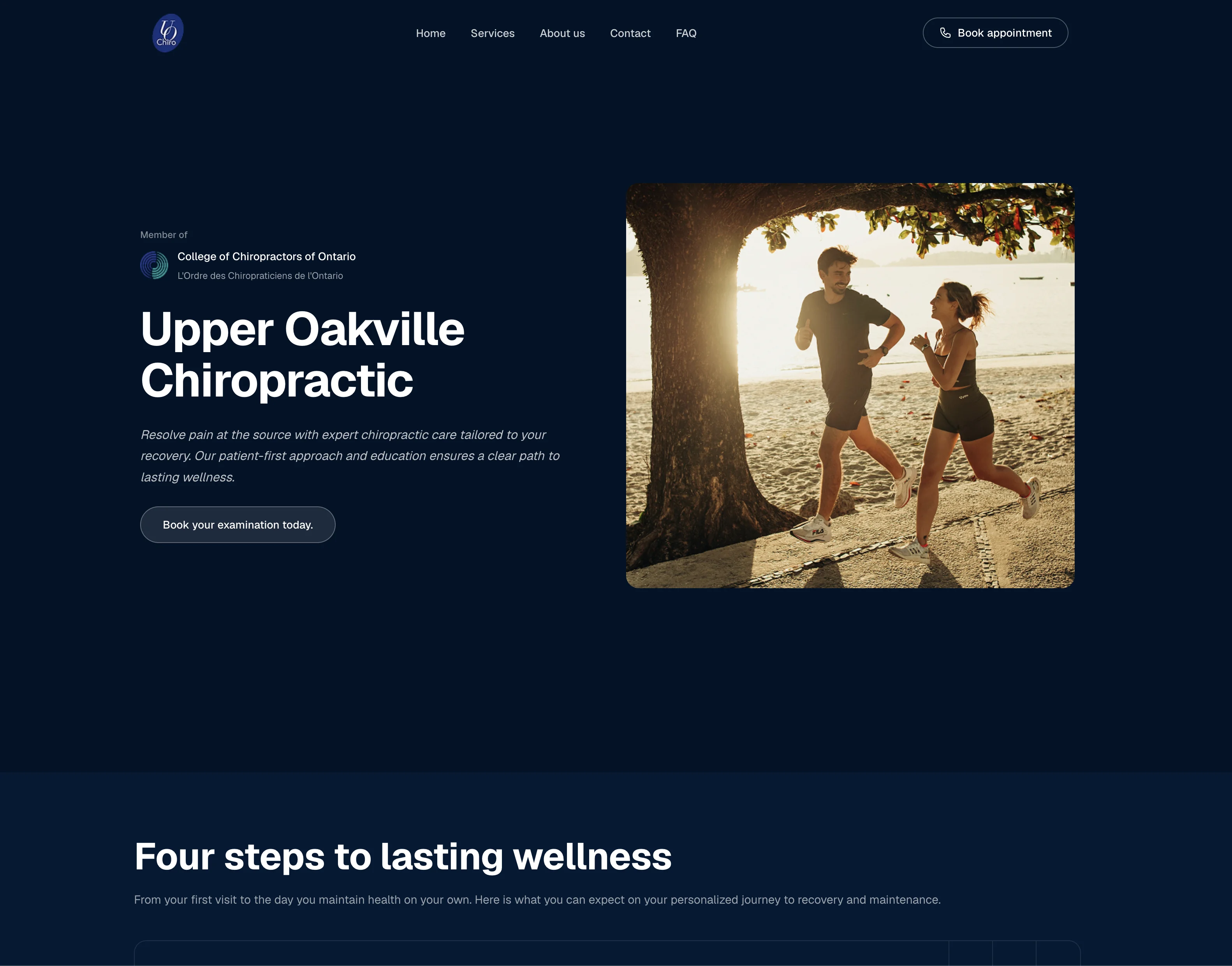
I'm the technology partner for an independent chiropractic clinic in Oakville, Ontario. I took the clinic from brand design to a live, mobile-first website that gives it an online presence to bring in new patients, and I support it on an ongoing basis.
The problem
The clinic had little online presence. New patients had no easy way to find it, see what it offers, or book a visit. Any fix had to respect Ontario's rules on health data and on how chiropractors may advertise.
Outcome
Site live, giving the clinic an online presence that brings in new patients
- Company
- Badshah Consulting
- Client
- Upper Oakville Chiropractic
- Role
- Product Engineer
- Timeline
- 2 weeks
- Stack
- WordPress
- HTML
- Shadcn CSS
- Google Business tools
My role
I own the whole engagement: brand design, ideation, build, deployment, and ongoing support. This is a continuing partnership, not a one-off handoff. The chiropractor owns the content and approves anything patients see.
Constraints
- A small clinic with a small team. There is no IT staff and little spare time, so everything had to be specific and hand-held, with clear steps and no guesswork.
- Advertising rules. The College of Chiropractors of Ontario regulates how clinics advertise, including claims and the use of patient testimonials. All copy had to comply.
- Health data. The site stores no patient information. I still reviewed it against Ontario's PHIPA and federal PIPEDA, so no form, analytics tag, or booking link could collect personal health information by accident.
Key decisions
1. WordPress over a custom build. The clinic didn't mind which platform I used. I did, because I support the site long term. WordPress gives cheap, reliable hosting, a large plugin ecosystem, and a platform any developer can take over. A custom Next.js site would have been more flexible, but harder for a small clinic to own.
2. A custom template instead of a page builder. I didn't give the clinic a drag-and-drop (WYSIWYG) editor. I built a custom template with defined fields for the content the chiropractor changes, such as services, hours, and announcements. He makes those edits himself without being able to break the layout, the accessibility, or the compliance-checked copy.
3. Route booking into the clinic's existing system. Every Book and Call action goes into the clinic's existing booking system and its booking agents. I built no forms, so the website holds no patient data.
4. Accessible and mobile-first from the start. Most visitors arrive on a phone. I built to WCAG 2.1 AA contrast and structure, with booking one tap away on every page.
What I built
- A mobile-first website covering services, the practitioner, hours, location, and insurance information.
- The custom editing template described above.
- Book and Call actions on every page that route into the clinic's own booking agents.
- Content structure and metadata for local search engine optimization (SEO) and answer engine optimization (AEO).
After launch
I maintain the site and handle the clinic's change requests. We have started discovery on the full patient journey, from first search to rebooking.
Outcome so far
- Site live, giving the clinic an online presence that brings in new patients and establishes credibility.
What comes next
Phase 2: Upgrading the booking pipeline to move to agentic workflows.